

Visual Identity
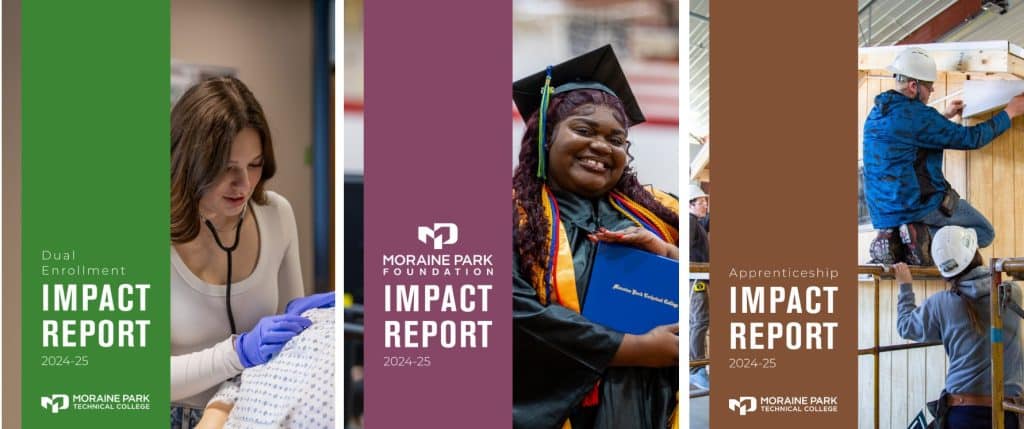
Logos
Moraine Park logos serve as the most recognizable identifier for the institution. All print and digital communications should include an approved College logo and strictly follow the standards outlined. To provide flexibility and accommodate a variety of needs, any of the intuitional logos are acceptable to use. Any adaptation to these standards must be coordinated through Marketing and Communications.
Vertical Logos with Text


Reverse Color Logo

- Download Reverse Color Logo PNG File
- Download Reverse Color Logo EPS File
- Download Reverse Color Logo JPG File
Horizontal Logos with Text



Vertical Logos without Text



Reverse Color Logo
Coming soon…
Mascot
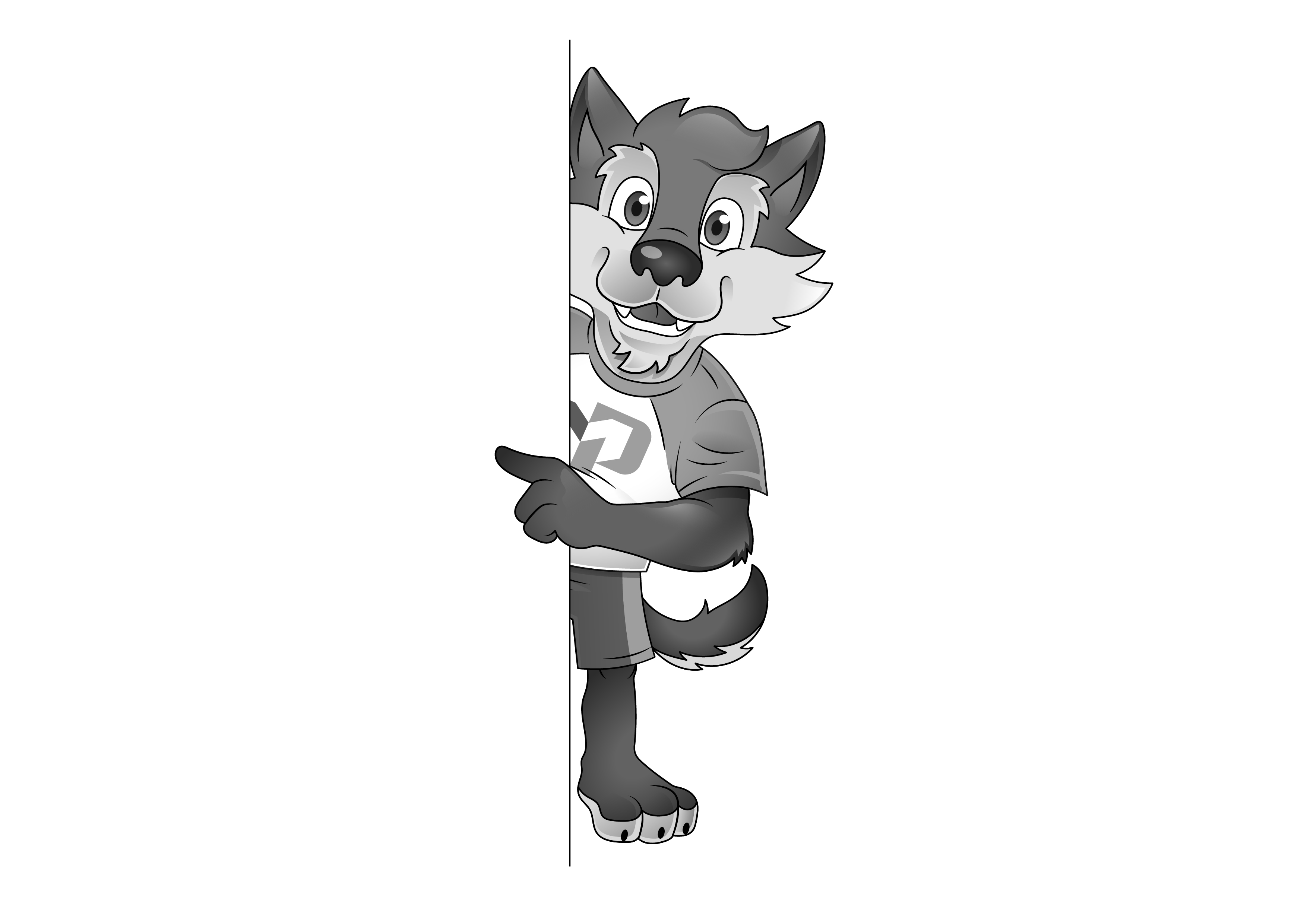
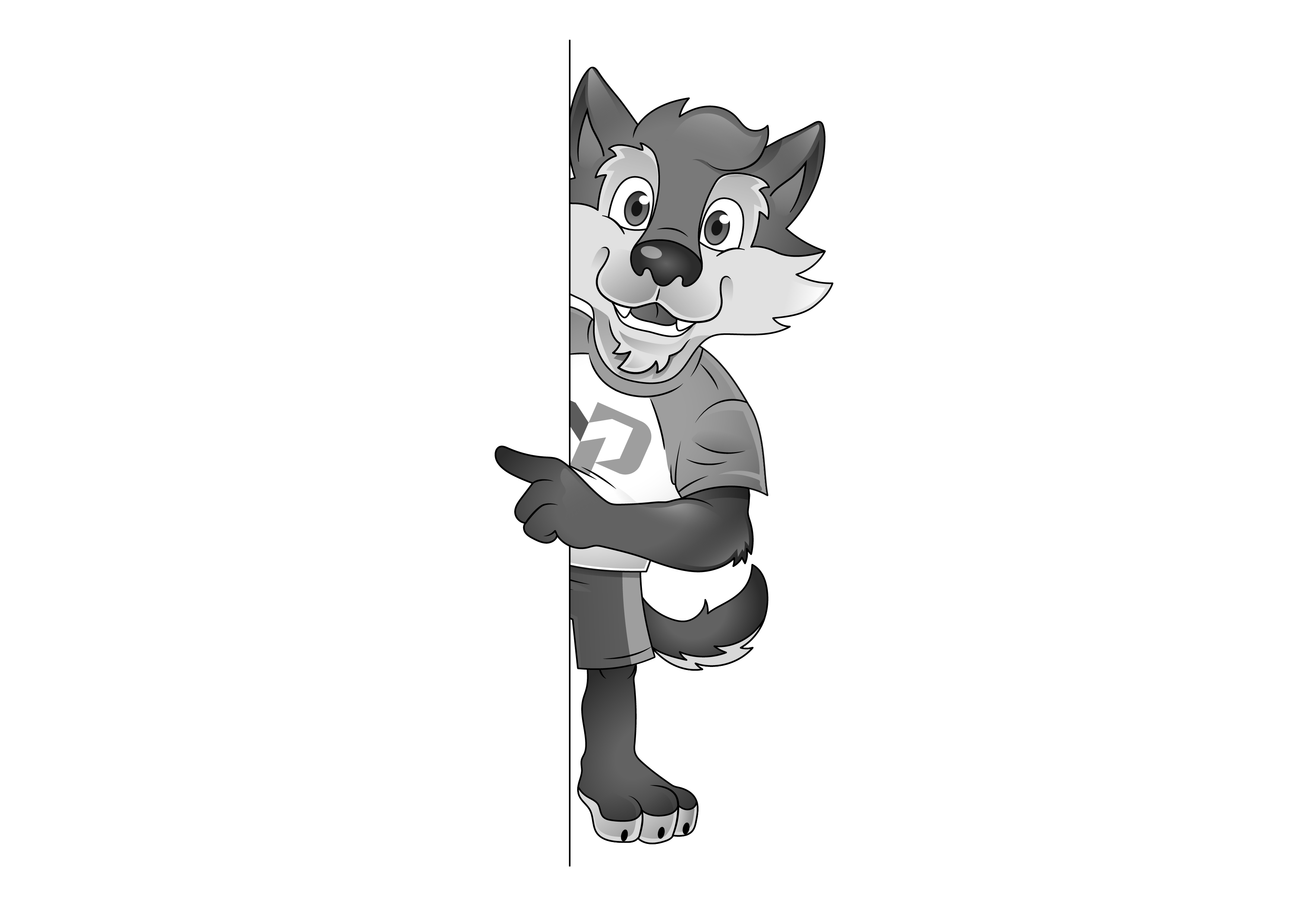
Maximus the Gray Wolf is the college’s mascot. Developed at the request of students, for the purpose of community-building, it symbolizes pathfinders, success, perseverance, stability and thought.
Using Maximus as the sole identifier of the institution is not permitted. All print and digital communications should still include an approved College logo and strictly follow the standards outlined. Any adaptation to these standards must be coordinated through Marketing and Communications.
Maximus in MPTC Shirt with Thumbs Up

Grayscale Files
Maximus Wearing a Backpack, Phone and Coffee Cup

Maximus Wearing Scrubs and a Stethoscope

Maximus Wearing Scrubs

Maximus Wearing a Hard Hat

Maximus Pointing Left

Maximus Sitting at a Desk

Maximus Head Only Graphic

Virtual Backgrounds


Teams Background – Tech Ed Works (Fire Protection)





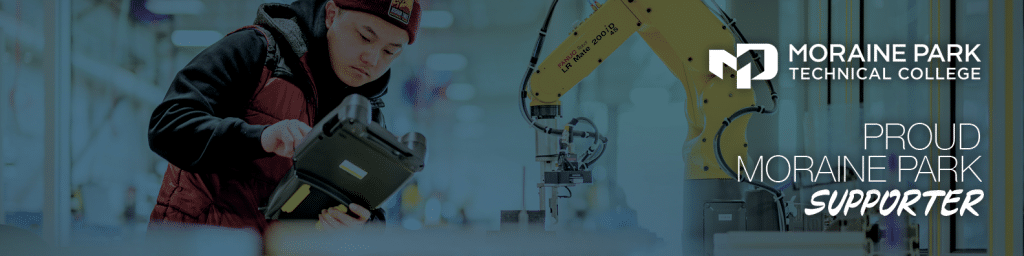
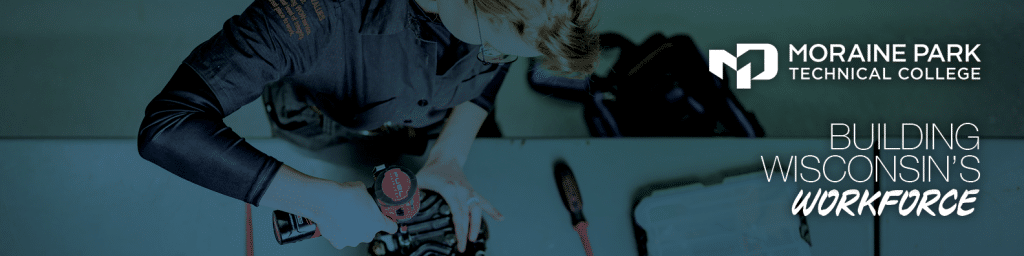
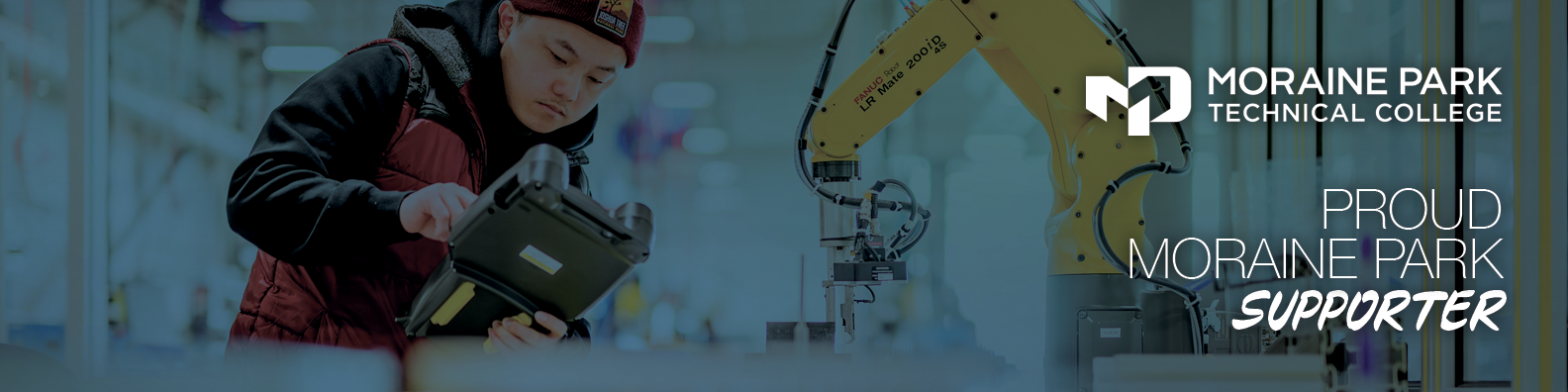
LinkedIn Banners






























































Colors
Moraine Park has a primary color palette of blue and green. Blue is our primary color and is best paired with white text. Green is being used as a complementary color splash.
Approved Brand Colors
Blue (PMS 7707C)
- HEX: #005778
- CMYK: 100, 18, 12, 52
- RGB: 0, 97, 127
Green (PMS 369C)
- HEX: #58b947
- CMYK: 68, 0, 100, 0
- RGB: 100, 167, 17
Gray (60%K)
- HEX: #808285
- CMYK: 52, 43, 41, 6
- RGB: 128, 130, 133
Color Contrast Requirements
Color contrast must meet WCAG requirements. This also applies to print material, since the document will most likely have a digital version used on a website or social media.
Typography
Overview
Moraine Park’s fonts were chosen to showcase and create uniformity across all platforms and mediums. The fonts below are approved for Moraine Park branded materials.
Primary Font
- Berthold Akzidenz Grotesk: for primary usage on all marketing materials
- Minion: use for long-format internal documents
Web Fonts
- Roboto: primary web type for paragraphs
- Oswald: used for H1 headings
- Aptos: primarily used for emails
Page/Document Hierarchy
Both WordPress and MS Word templates offer brand-compliant font settings. Some of these settings signal a specific page hierarchy/structure to screen readers and AI/Search Engines.
For example, the Headings shown in this box create this crucial page hierarchy on the website. You may compare them to chapters and subchapters of a book or any other document. Don’t use them only for visual appeal, since they serve an important accessibility function.
Pre-formatted website headings:
H1 Heading
H2 Heading
H3 Heading
H4 Heading
H5 Heading
Photography
Overview
Photos are powerful tools for capturing the spirit of Moraine Park. Words and visuals should work together to tell the Moraine Park story.
The Office of Marketing Communications does not regularly use model releases nor seek written permission for most photos created for editorial use.
Whenever possible, Moraine Park photographers identify themselves and seek verbal permission when creating visuals. They inform subjects about the potential editorial uses of the visuals, such as providing information for a story and/or creating images to more broadly describe the campus, both now and in the future. In instances when an individual asks to not be photographed, those wishes will be complied with.

Release
Written permission is required for photos of individuals being featured in marketing, advertisements, or promotional materials in which a person’s name, image, and/or likeness are being used, as well as for photos or videos of children. These uses are distinct from editorial uses and a higher level of permission is required.

Photo Library
Marketing Communications limits the length of time most images remain in the general photo library, especially those that feature time-sensitive content of people and views of the physical campus. The goal is to primarily feature relevant and timely images to ensure that outdated images aren’t used in campus communications beyond their relevance.
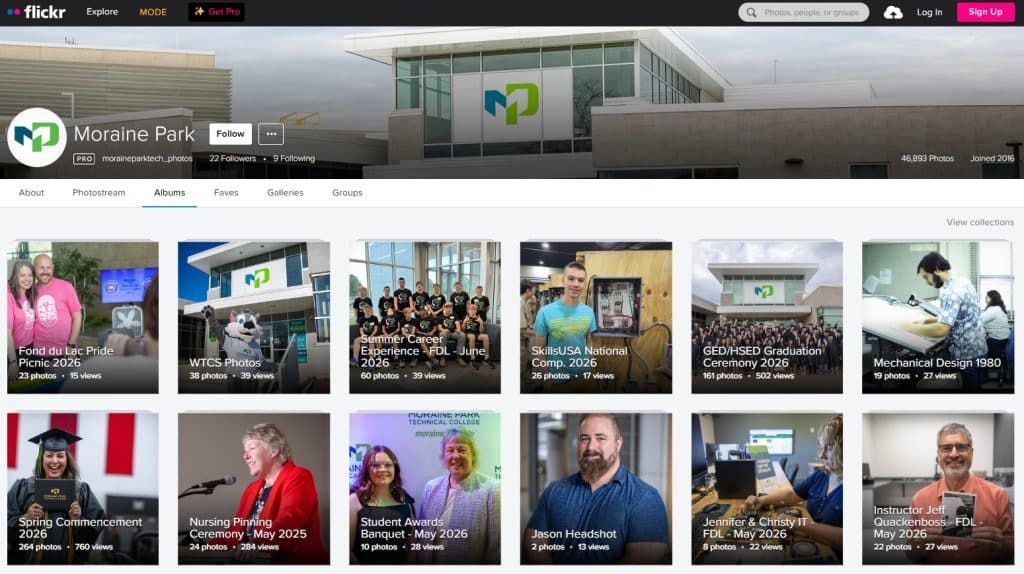
Moraine Park uses Flickr as the storage tool for photos.
Videography
Overview
Videos are powerful tools for capturing the spirit of Moraine Park. Words and visuals should work together to tell the Moraine Park story.
The Office of Marketing Communications does not regularly use model releases nor seek written permission for most videos created for editorial use.
Whenever possible, Moraine Park videographers identify themselves and seek verbal permission when creating visuals. They inform subjects about the potential editorial uses of the visuals, such as providing information for a story and/or creating images to more broadly describe the campus, both now and in the future. In instances when an individual asks not to be videographed, those wishes will be complied with.
Release
Written permission is required for videos of individuals being featured in marketing, advertisements, or promotional materials in which a person’s name, image, and/or likeness are being used, as well as for videos of children. These uses are distinct from editorial uses and a higher level of permission is required.
Video Library
Marketing Communications limits the length of time most videos remain in the general video library, especially those that feature time-sensitive content of people and views of the physical campus.
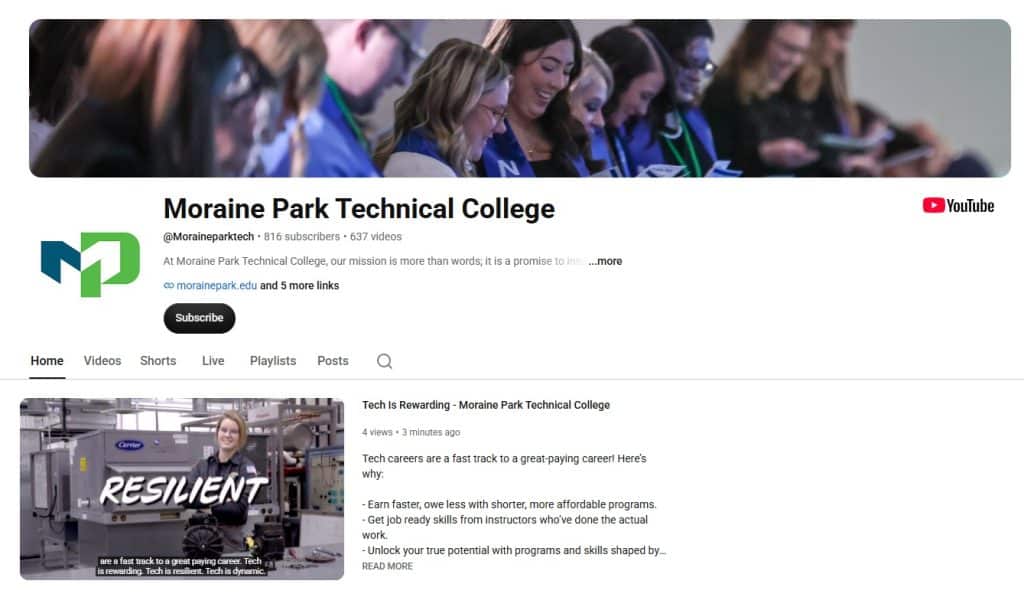
Moraine Park uses YouTube as the storage tool for videos.
The goal is to primarily feature relevant and timely images to ensure that outdated images aren’t used in campus communications beyond their relevance.
Coming soon.